What Is an LPA Code? eSIM Activation Codes Explained
If you sell eSIMs, the LPA code is the product your customer actually receives. Everything else (the network deals, the data plan, the phone number) is delivered through one short string of text. This article covers what that string contains and how to hand it to customers without creating support tickets.
LPA code, defined
LPA stands for Local Profile Assistant: the part of a phone’s operating system that downloads and installs eSIM profiles. An LPA code (also called an eSIM activation code) is the instruction you give the LPA: go to this server and download this profile.
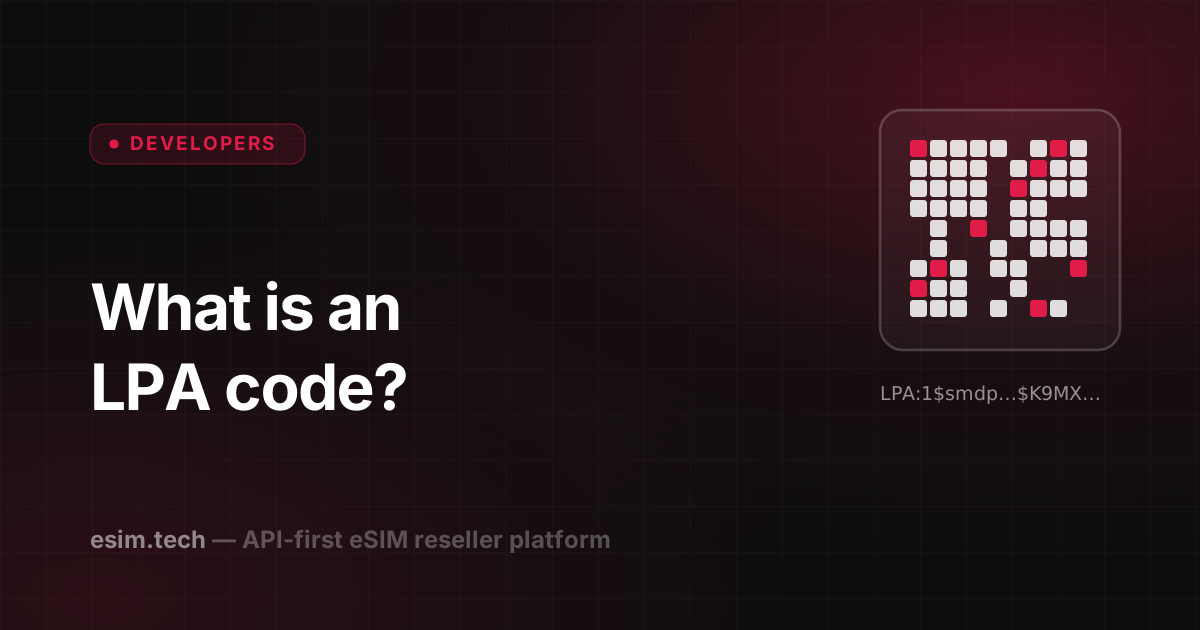
Customers rarely see the raw code. They see a QR code, which is the same string encoded as an image. Scanning the QR code and typing the string in manually lead to the same result.
What’s inside an LPA code
An activation code follows a format defined by the GSMA, the mobile industry body. It looks like this:
LPA:1$smdp.example.com$K9MX-4F2A-77QB-0C3DIt has three parts, separated by $:
| Part | Example | What it means |
|---|---|---|
| Prefix and format | LPA:1 |
Tells the device this is an eSIM activation code |
| SM-DP+ address | smdp.example.com |
The server that holds the eSIM profile |
| Matching ID | K9MX-4F2A-… |
Identifies which profile to download |
Some codes add an optional fourth part that asks the customer for a confirmation code before the download. Most consumer eSIMs skip it.
How installation works
- The customer scans the QR code, or opens the install link on the same device.
- The phone’s LPA reads the SM-DP+ address and contacts that server.
- The server checks the matching ID and sends the encrypted eSIM profile.
- The phone installs the profile. From then on it behaves like a SIM card from that operator.
The whole process takes seconds and needs an internet connection, usually Wi-Fi, since the customer’s new eSIM isn’t active yet.
Why an LPA code usually works only once
An activation code points to one eSIM profile. Once that profile has been downloaded to a device, the code is normally used up, and you should plan for what follows:
- If a customer removes the eSIM from their phone, rescanning the same QR code typically won’t reinstall it. They need a new profile.
- Screenshots get shared, so treat the code like a voucher: whoever installs it first gets the profile.
- Moving an eSIM to a new phone usually means issuing a new profile rather than reusing the old code.
Tell customers this upfront, ideally on the screen where they see the QR code, and you remove the most common eSIM support ticket.
How resellers should deliver LPA codes
Most install problems come from how the code is delivered rather than from the code itself. A few practices that work:
- Show the QR code immediately after payment. If your platform returns the code instantly, there is no reason to make customers wait for an email.
- Email it as well, since many travellers buy before the trip and install later on hotel Wi-Fi.
- Offer manual entry. Show the SM-DP+ address and activation code as text too, for customers who can’t scan a QR code from the same phone they’re installing on.
- Add short install steps per platform. iPhone and Android menus differ, and one screenshot per platform saves a lot of back-and-forth.
- Check device compatibility before checkout, not after. An LPA code can’t install on a phone that doesn’t support eSIM or is locked to another carrier.
LPA codes on eSIM.tech
On eSIM.tech, a single provisioning call returns the LPA activation code in the same API response, in roughly 120ms. The response also includes the ICCID, a QR code as a base64 PNG, and, for local eSIMs and US eSIMs, the phone number. There’s no polling and no waiting for an email: you can show the QR code on your confirmation page in the same request that took the payment.
For the full integration flow, from provisioning to webhooks for usage and low balance, see our eSIM API integration guide.
Frequently asked questions
What does LPA stand for?
LPA stands for Local Profile Assistant: the software on a phone or tablet that downloads and installs eSIM profiles. The 'LPA code' is the activation code you give to that software, usually as a QR code.
Is an LPA code the same as an eSIM QR code?
Yes, in practice. The QR code is simply the LPA activation string encoded as an image. Scanning the QR code and typing in the string manually lead to the same result.
Can an LPA code be used more than once?
Usually not. An activation code is normally tied to one eSIM profile, and once that profile has been downloaded to a device the code is used up. If a customer deletes the eSIM, they typically need a new one.
How do I get LPA codes as a reseller?
On eSIM.tech, every provisioning call returns the LPA activation code in the same API response, together with the ICCID and, for local eSIMs, the phone number. The QR code is included as a base64 PNG, so you can show it in your checkout straight away.